
















 Earn up to 50% APR
 Boost earnings with NFTs
 Play, HODL & earn more






How AI Dictation Apps Can Save Freelancers Hours Every Week and Which One Fits Your Workflow
-
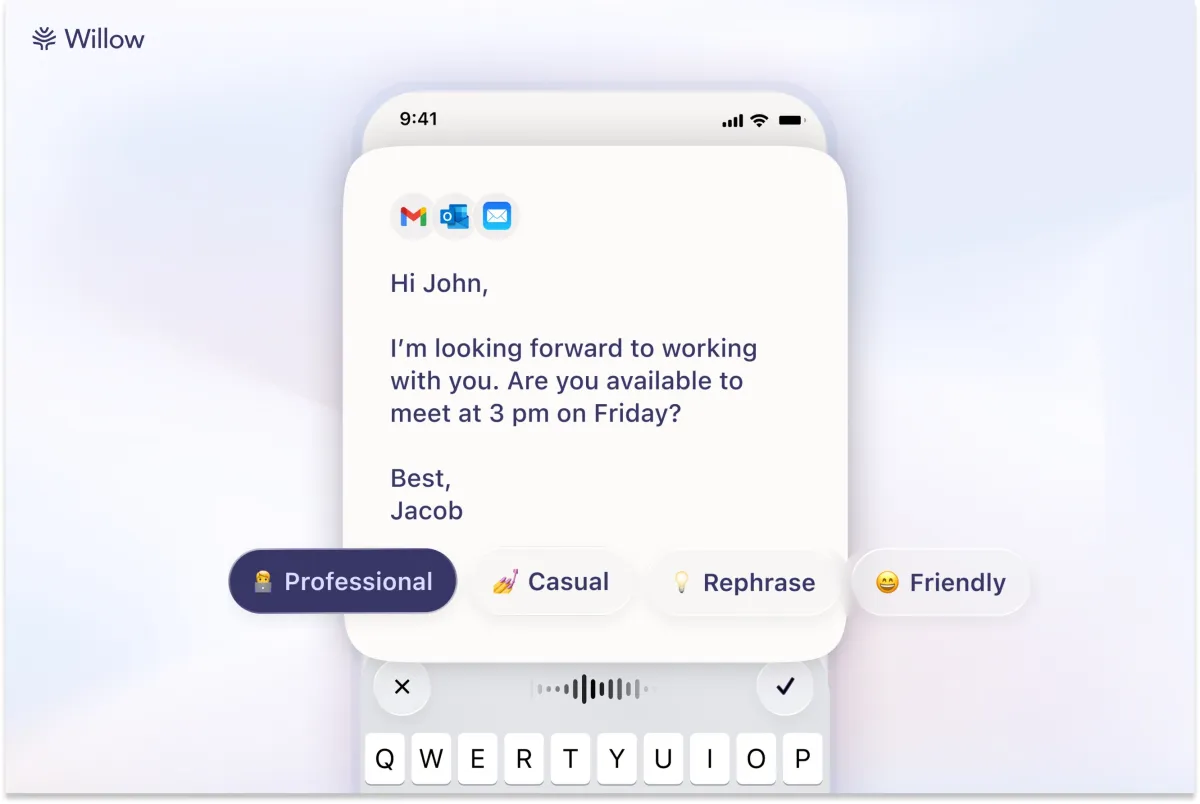
For freelancers who write, code, manage clients, or create content, the time spent typing is one of the least leveraged activities in the working day. AI dictation apps have reached a quality threshold in 2026 where speaking your first draft, composing emails, or logging notes is genuinely faster than typing without producing text that needs significant cleanup afterward. The question is not whether to use one but which model of app fits your specific workflow, privacy requirements, and budget.
Freelancers working across multiple client communication contexts will benefit most from apps with style customization. Wispr Flow lets you set different tones for personal messaging, work communication, and email, and its integration with vibe-coding tools like Cursor makes it particularly useful for developers who want to dictate variable names and file references. Willow's local storage and complete model training opt-out make it the right choice for freelancers handling sensitive client information who cannot risk cloud-based transcription. Writers producing high daily word counts should look at Typeless first given its 16,000 free words per month cap before considering whether a paid plan is necessary. Freelancers who want a permanent tool without monthly subscription costs have strong one-time purchase options in VoiceTypr at $35 for lifetime access, VoiceInk at $25, and Dictato at approximately $12. Superwhisper's ability to transcribe from audio and video files adds a use case that pure dictation apps miss entirely, making it valuable for freelancers who need to transcribe client calls, interview recordings, or meeting notes alongside live dictation. The ROI calculation is straightforward: if any of these tools saves you two hours of typing per week, the most expensive option on the list pays for itself within a month.